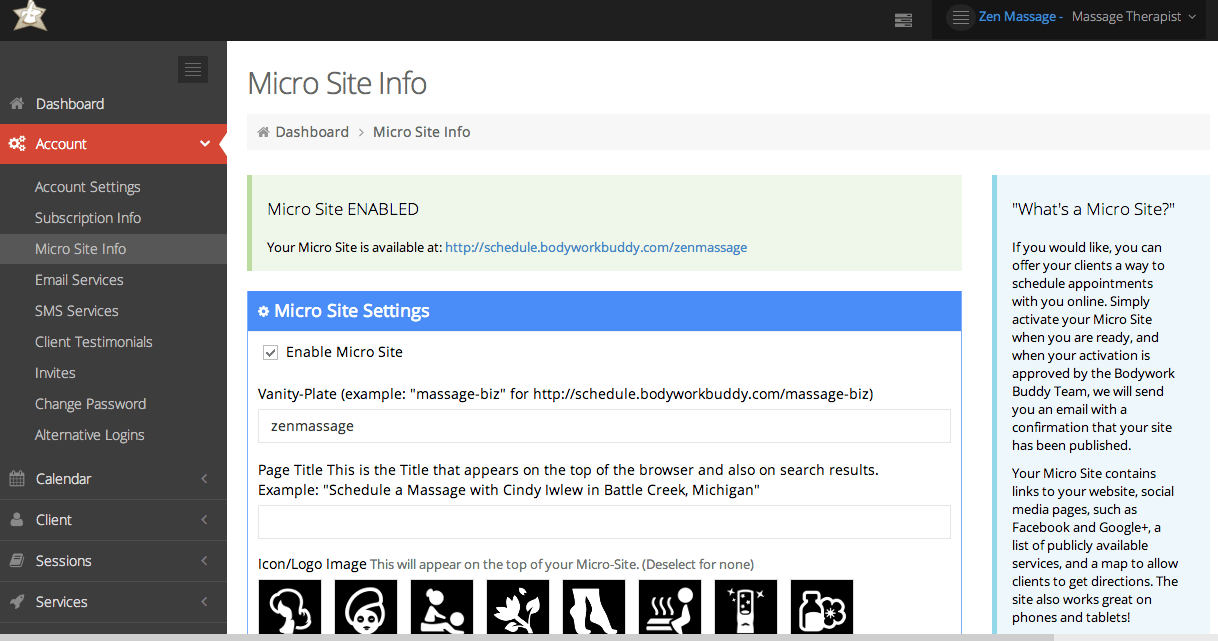
From the Dashboard, click on Account > click Micro Site Info. Check the “enable microsite” box and fill out all text fields for the microsite. Click Save.
Allow 24 hours for your microsite to be activated (it is usually done in just a few hours). An email will be sent to notify you of your microsite being activated. Once it’s activated, you can see the URL / link to your microsite at the top of the Microsite Info page.
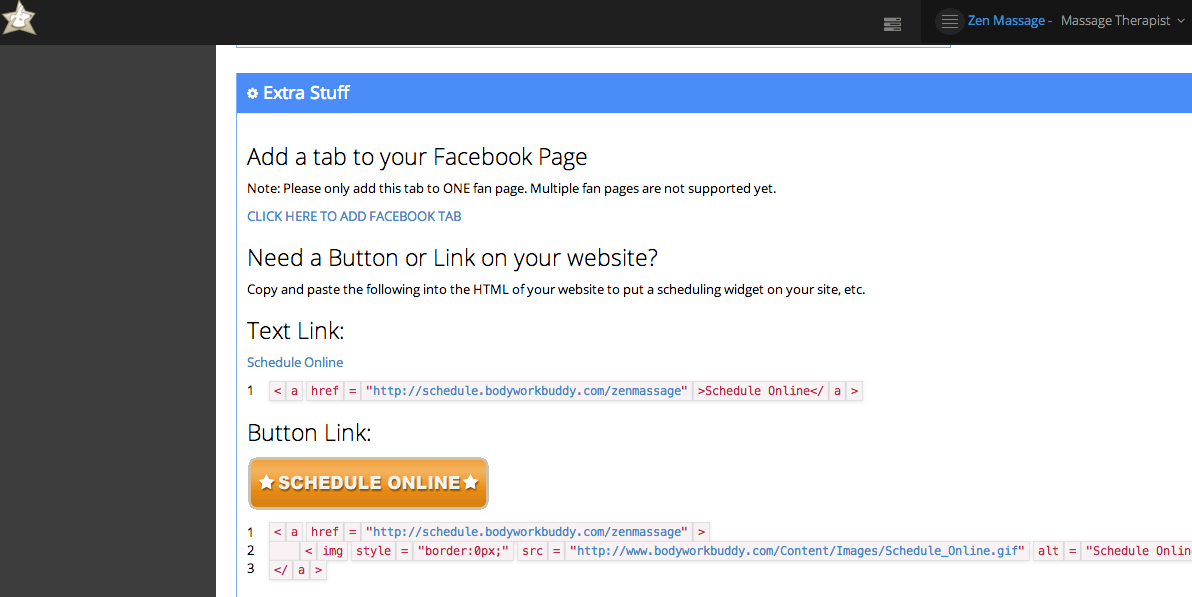
Scroll to the bottom of the Microsite Info page for code snippets to add a “schedule online” button to your website, or to embed your microsite into your webpage. You can also choose to add the Facebook app in this area. (Please note Facebook requires minimum of 2,000 likes on a business page to connect an app.)