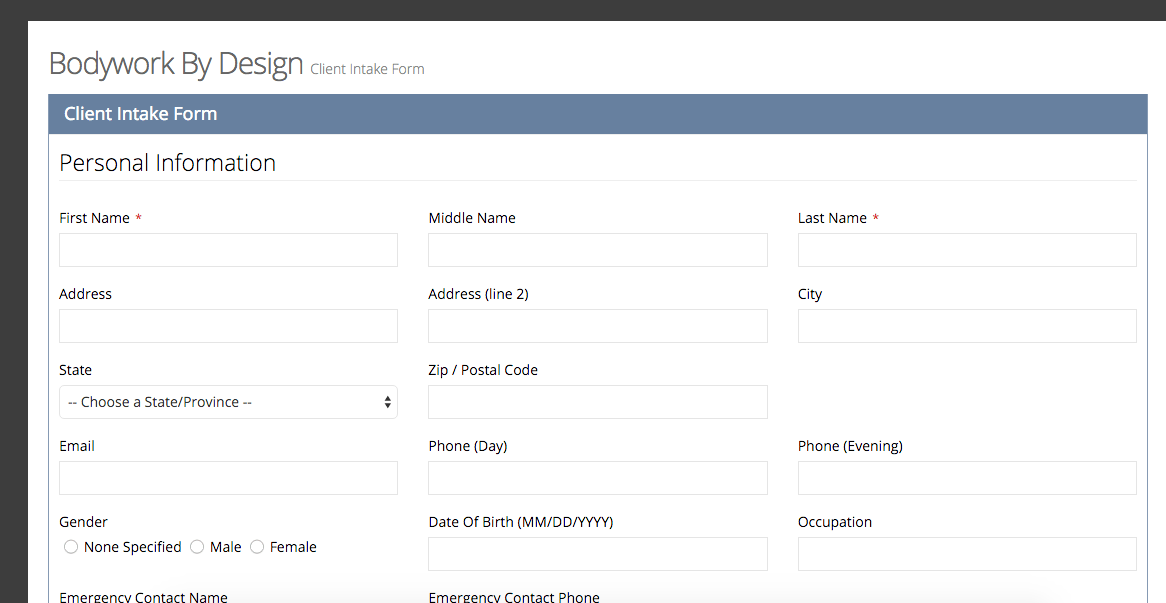
Bodywork Buddy has provided you with a default intake form. (You can view this intake form anytime from dashboard > clients > client intake form > edit > blue action button > preview. The default intake form will open in a new window.)
No further editing is needed if you wish to use the default form.
Or, you can customize it to fit your own needs. From dashboard > clients > client intake forms > edit > you can click the options on the left under “add new field” and then “edit field” to create your own questions, paragraphs, checkboxes, etc. Same for the medical history tab of the form. There is by default the contact info needed for the client’s file in the form so no need to add or change that.
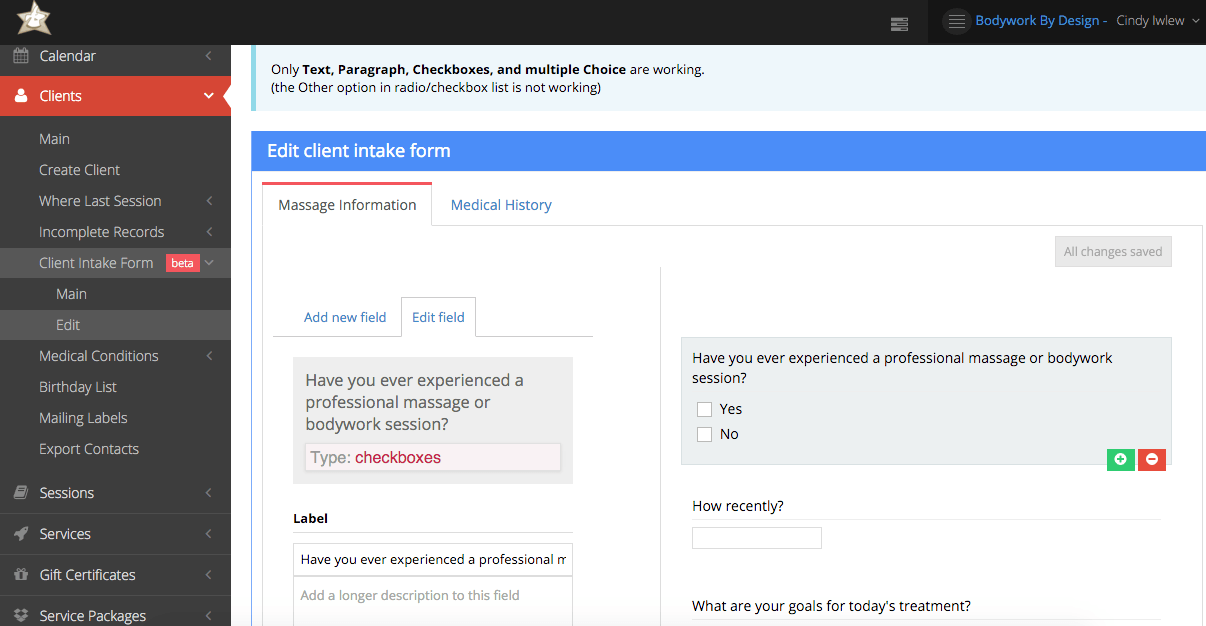
Once you’ve added what you want and made your customizations, click save and then you can preview your form by clicking the blue “actions” button and clicking preview.