To delete a client, simply click on the “delete” button next to the client in the look up page. If you already have sessions associated with this client, you will need to delete those sessions first.
To delete a session, from the dashboard- hover over the Sessions tab and choose to view or search by. (or from the main sessions page).
- Find the session you want to delete.
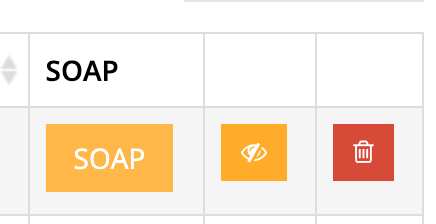
- In the right hand column is a red trash icon.
- Click on this icon to delete the session.
If there are sessions or other records associated with a client file, it may be best to archive the client rather than delete those records and in turn the client file.
To archive a client file, go to dashboard > clients > main > find client in search results (but don’t click on name) scroll to the columns on the right and click the yellow eye icon.